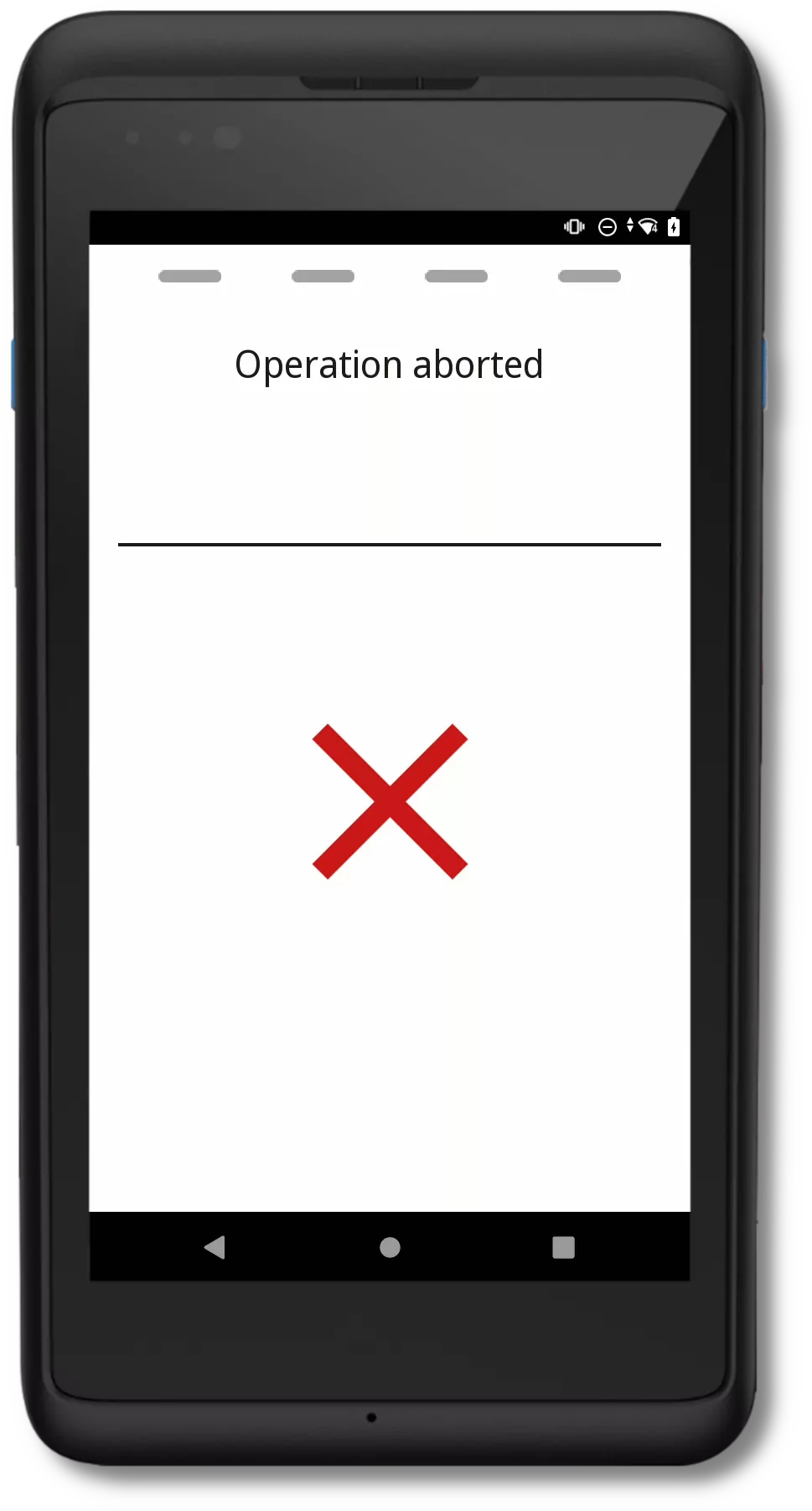
Activities
PhonePOS activities are treated as APIs by certifiers; therefore, we provide this information in our API documentation. We have developed multiple activities to handle personalisation and transactions.
Personalisation
As stated in the Configuration API chapter, we support multiple personalisation methods. Each of these methods displays progress activities that indicate the current state of the app. However, only the OTP and TID+Password methods allow users to directly enter credentials within a PhonePOS activity. We will specifically highlight these active screens here.
TID+Password
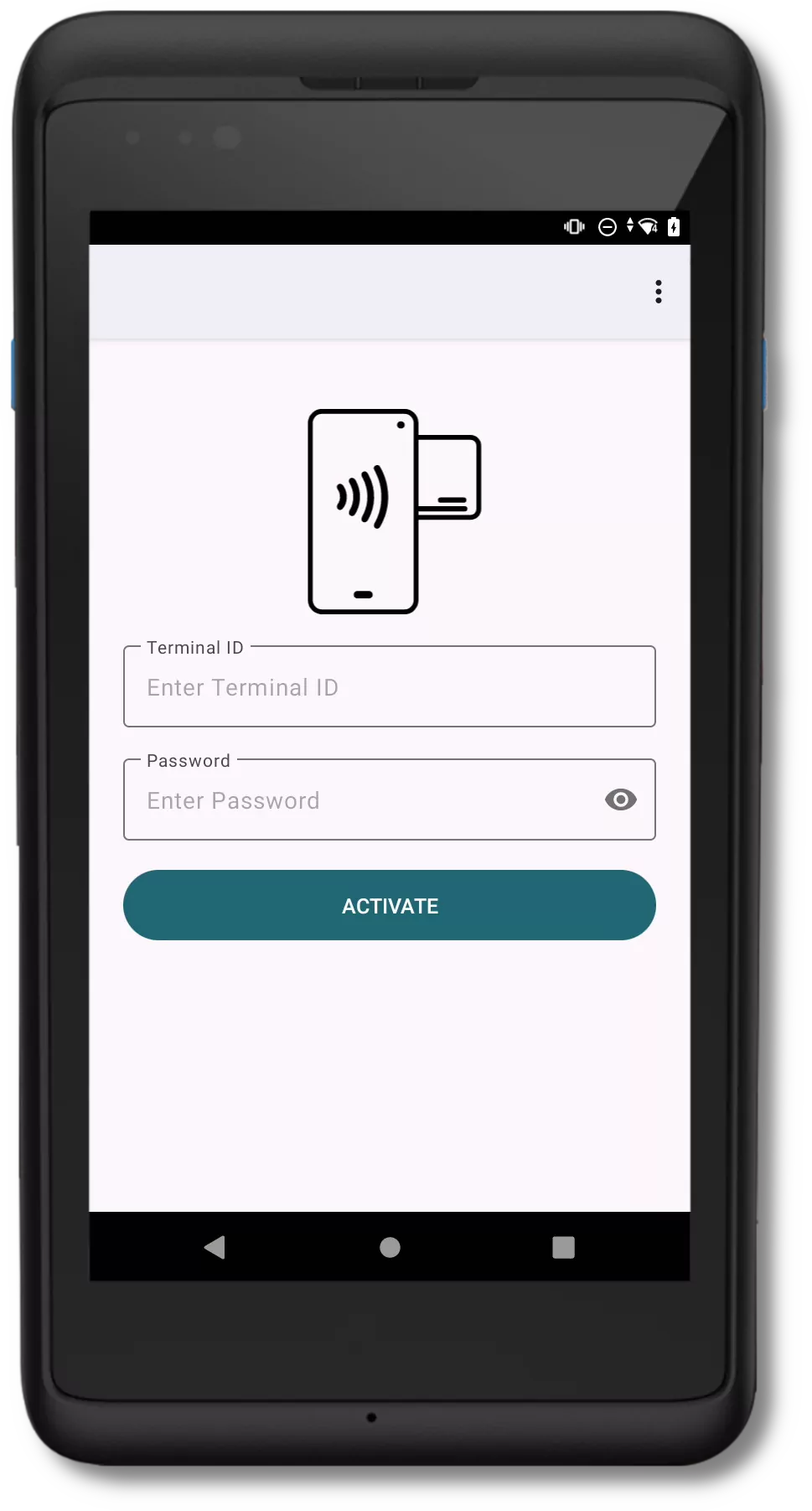
The initial phase of the TID+Password procedure involves requesting the TID and password from the merchant.
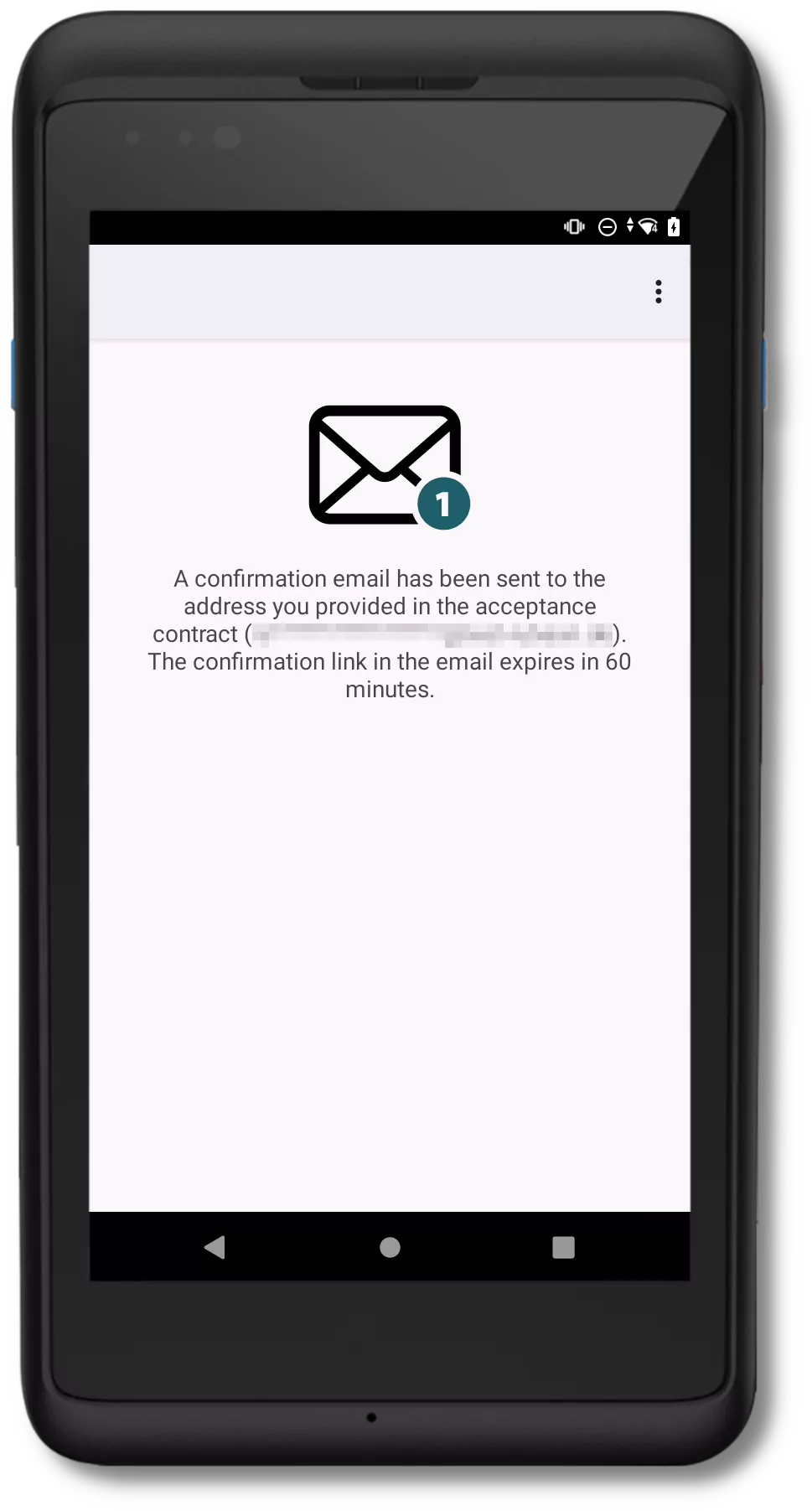
Upon successful credential verification, an email containing a link will be sent to the user.
The terminal setup will commence once the link is accessed.
OTP
During the OTP process, a code will be sent to the merchant via SMS or email. This code must be entered to proceed with the personalisation.
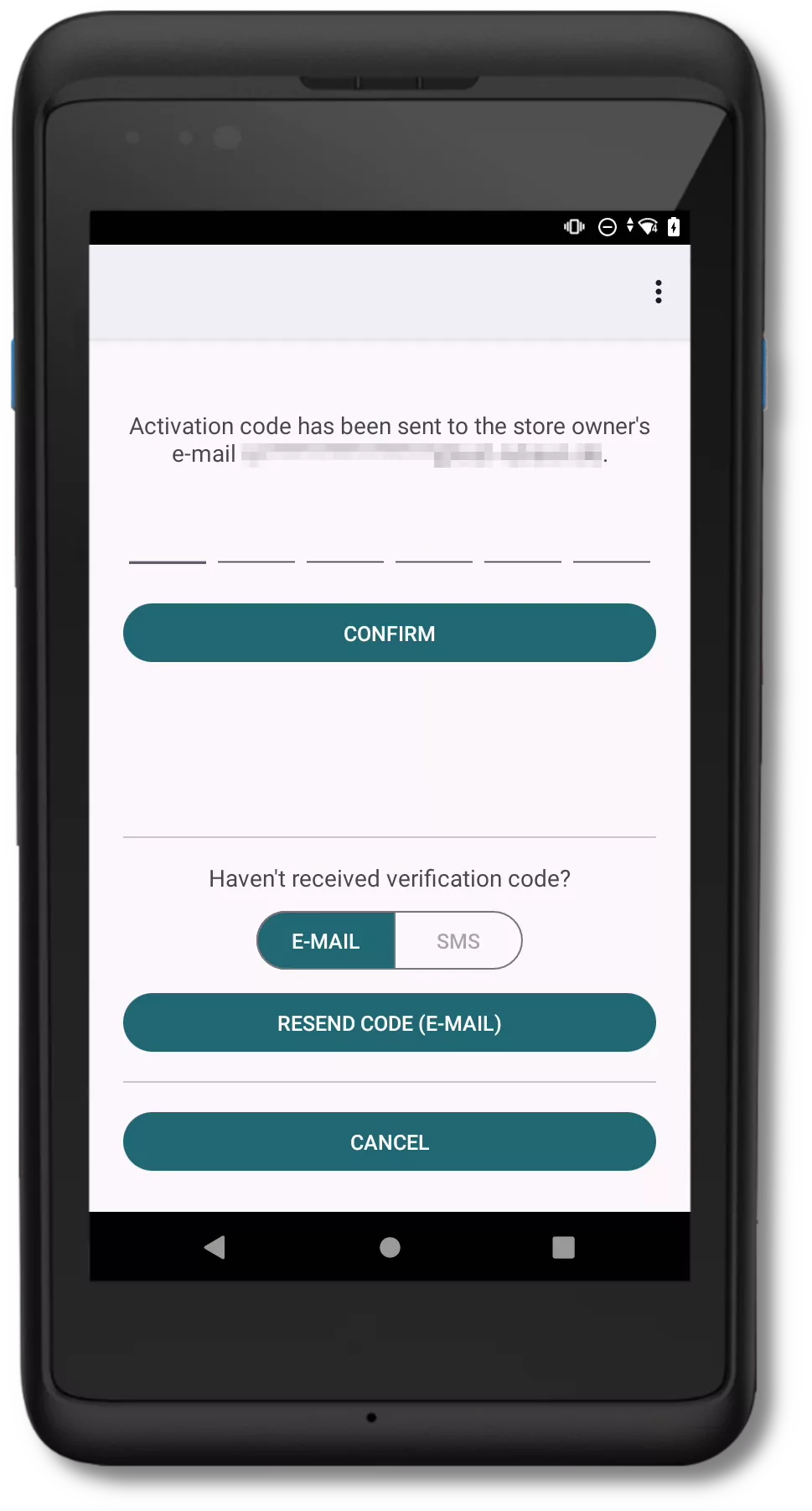
Following this step, the code will be verified, and upon successful validation, the terminal will be prepared and initiated.
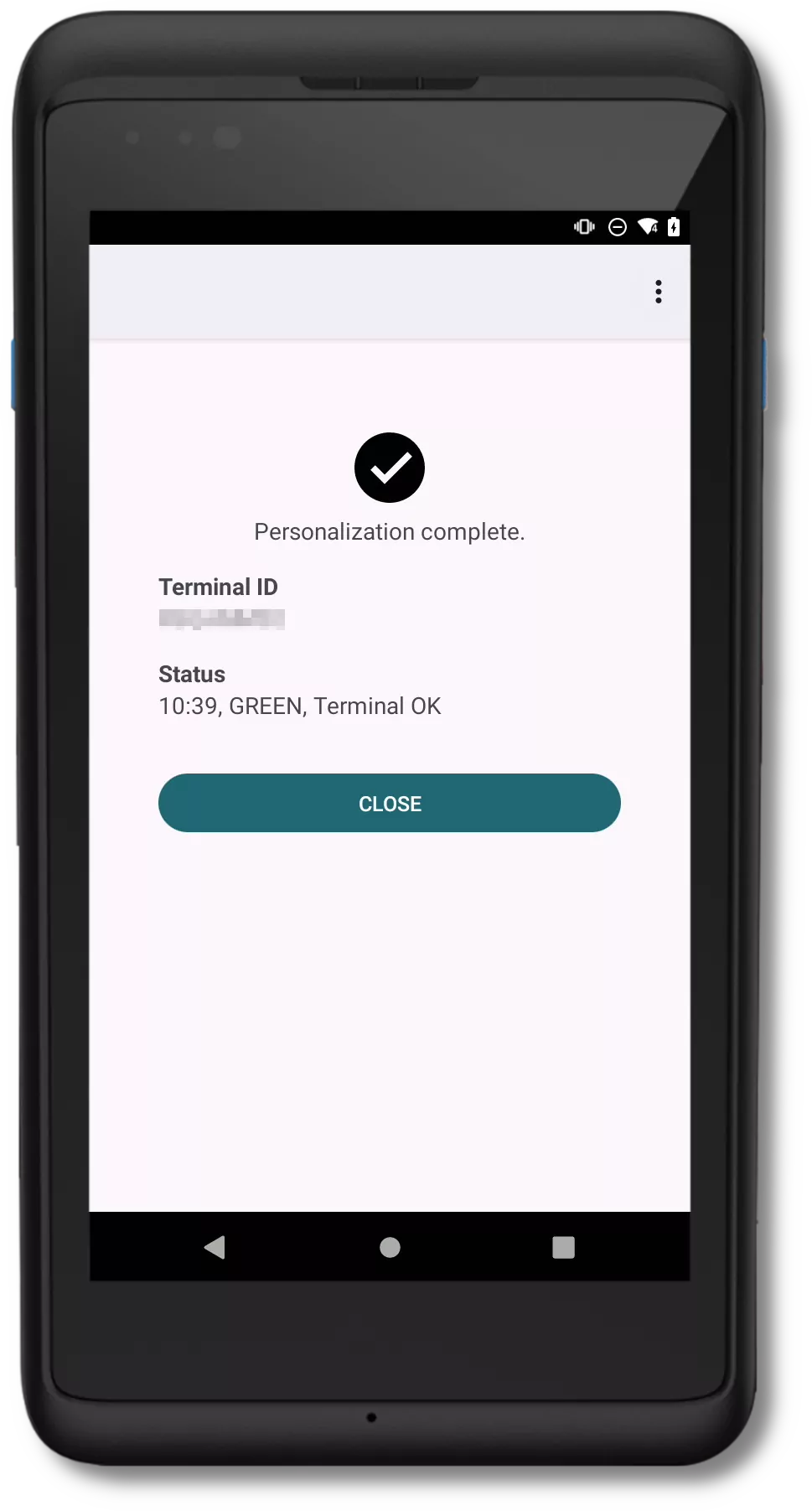
Finished personalisation
Transaction
PhonePOS presents the following transaction screens.
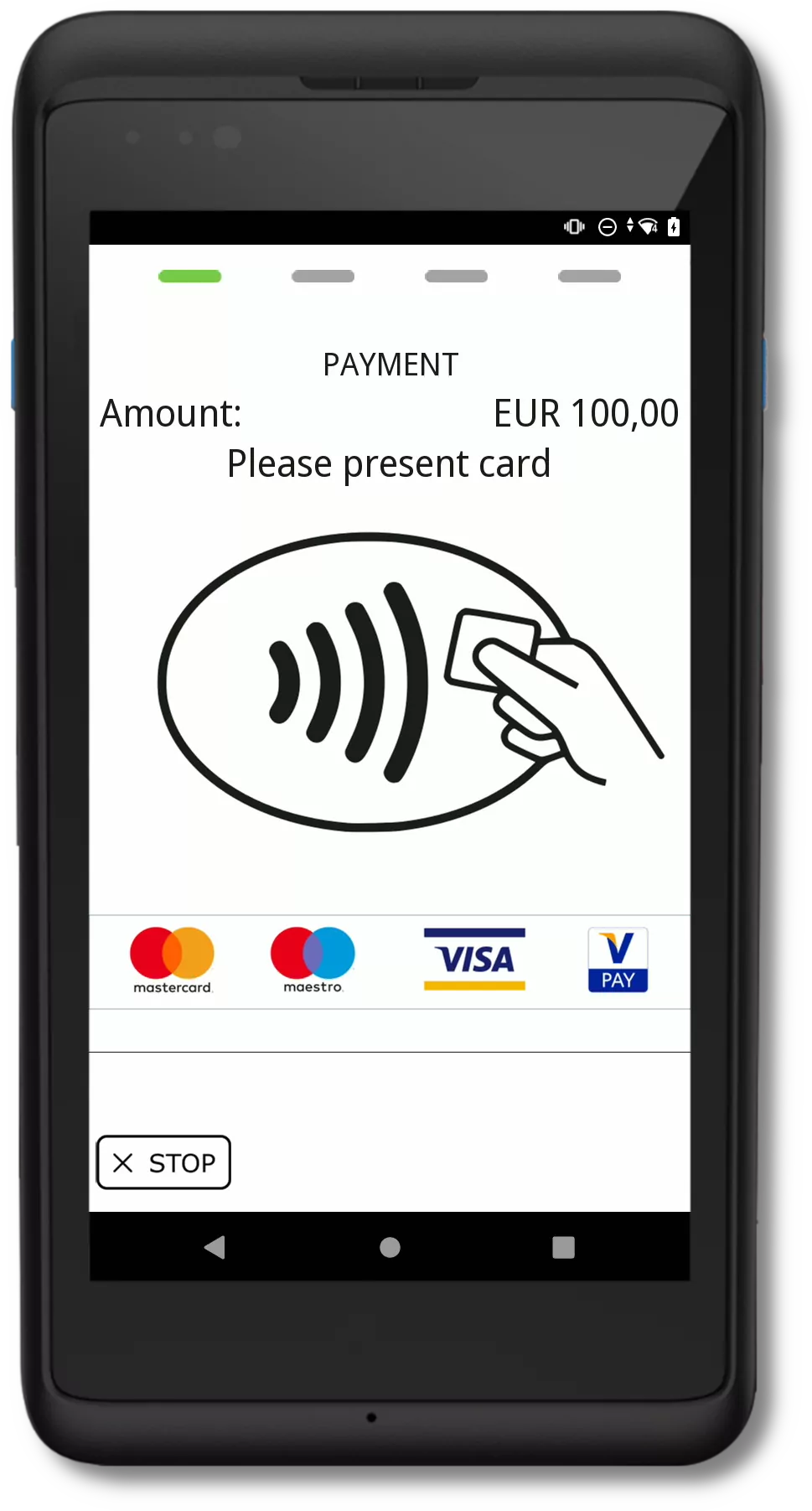
Waiting for card
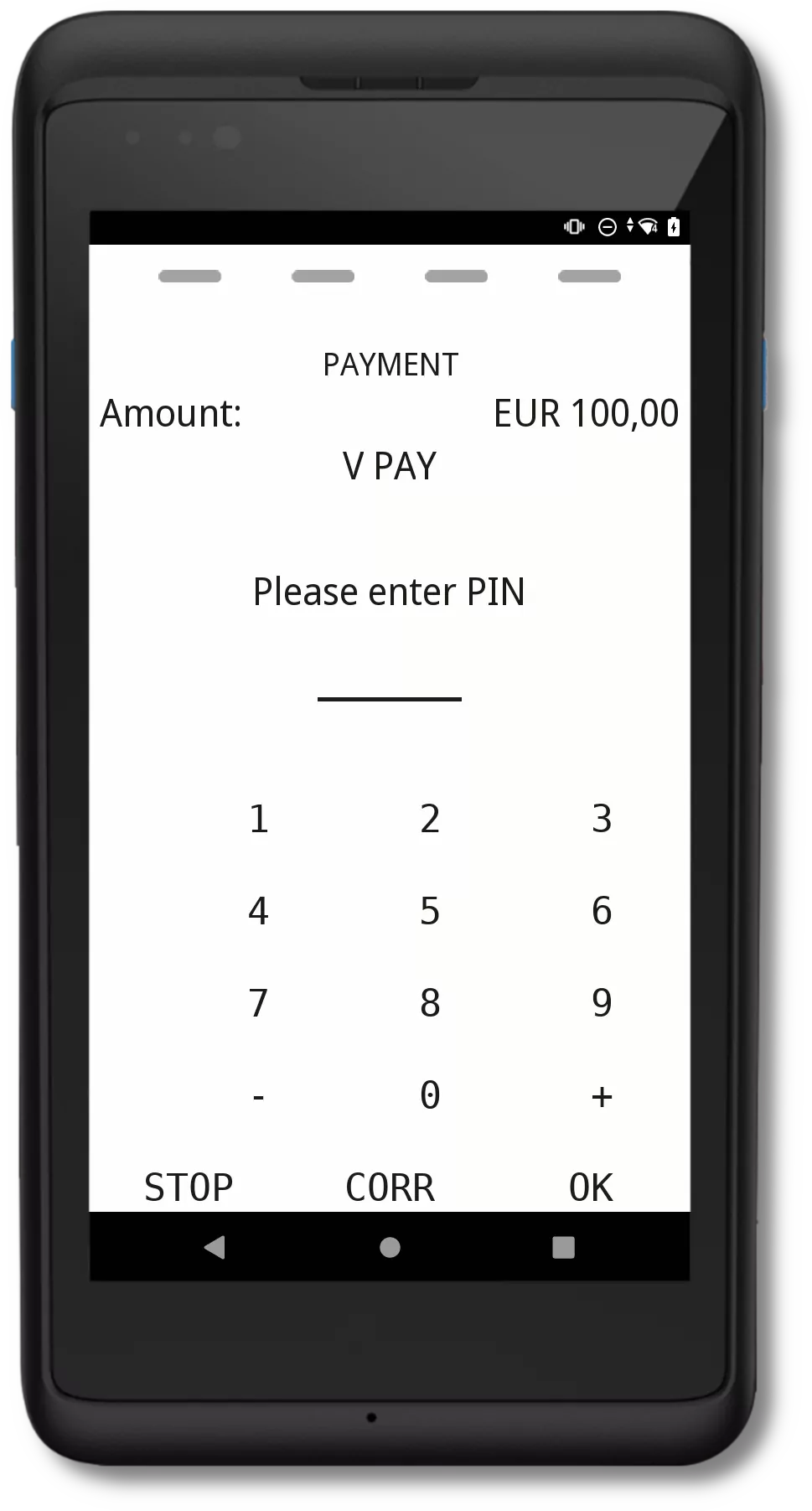
Pin Entry
Sensory Branding (Visa example)

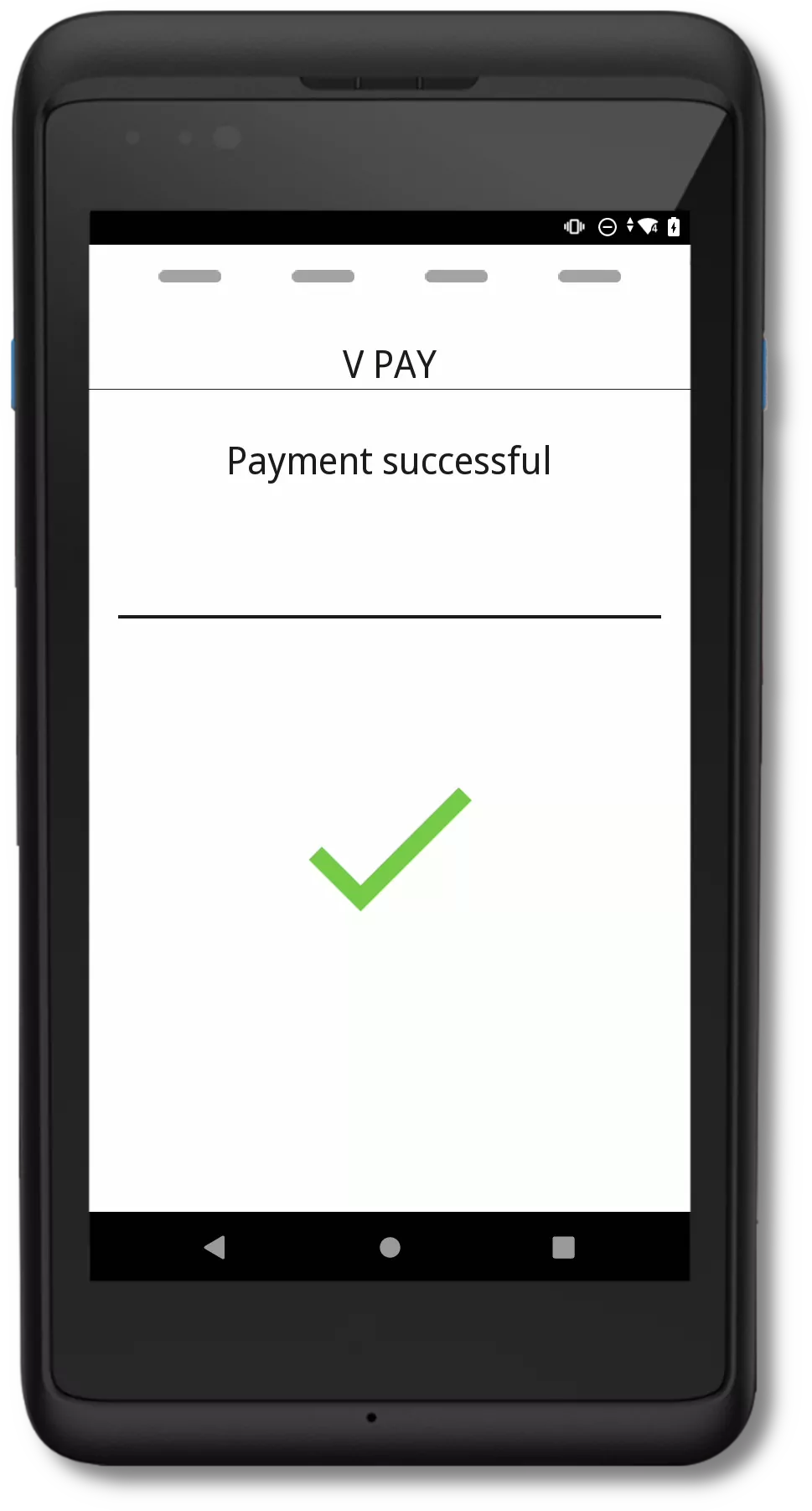
Successful Transaction
Aborted Transaction